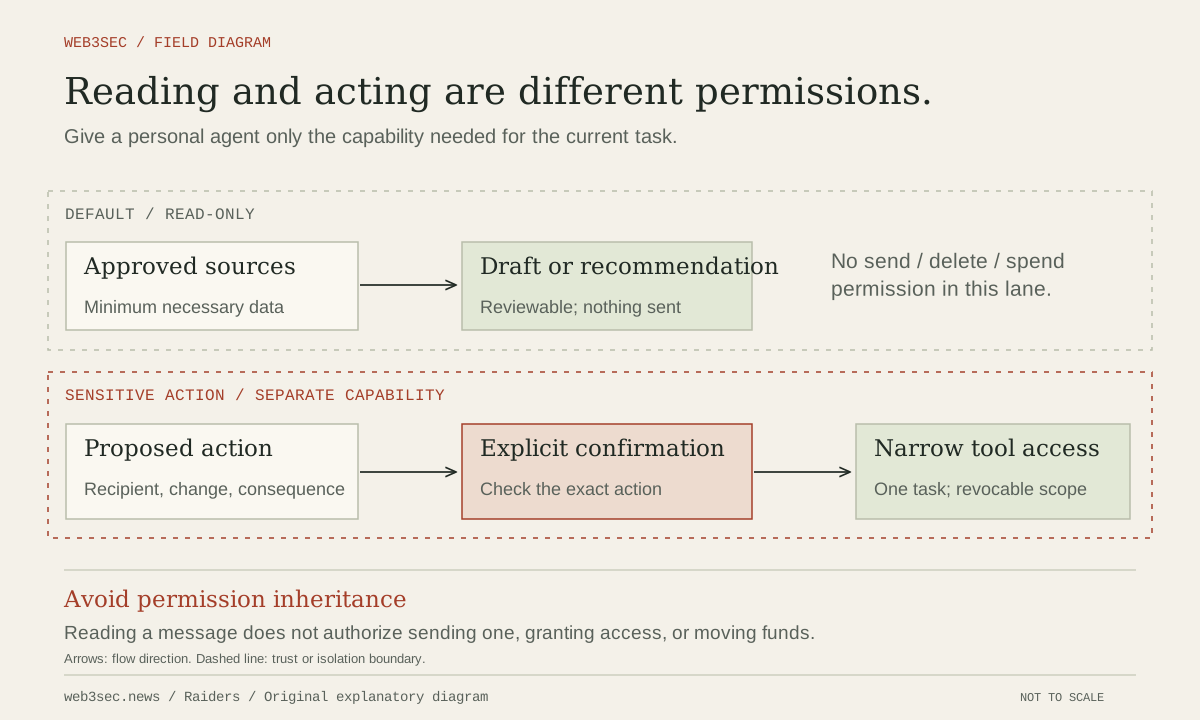
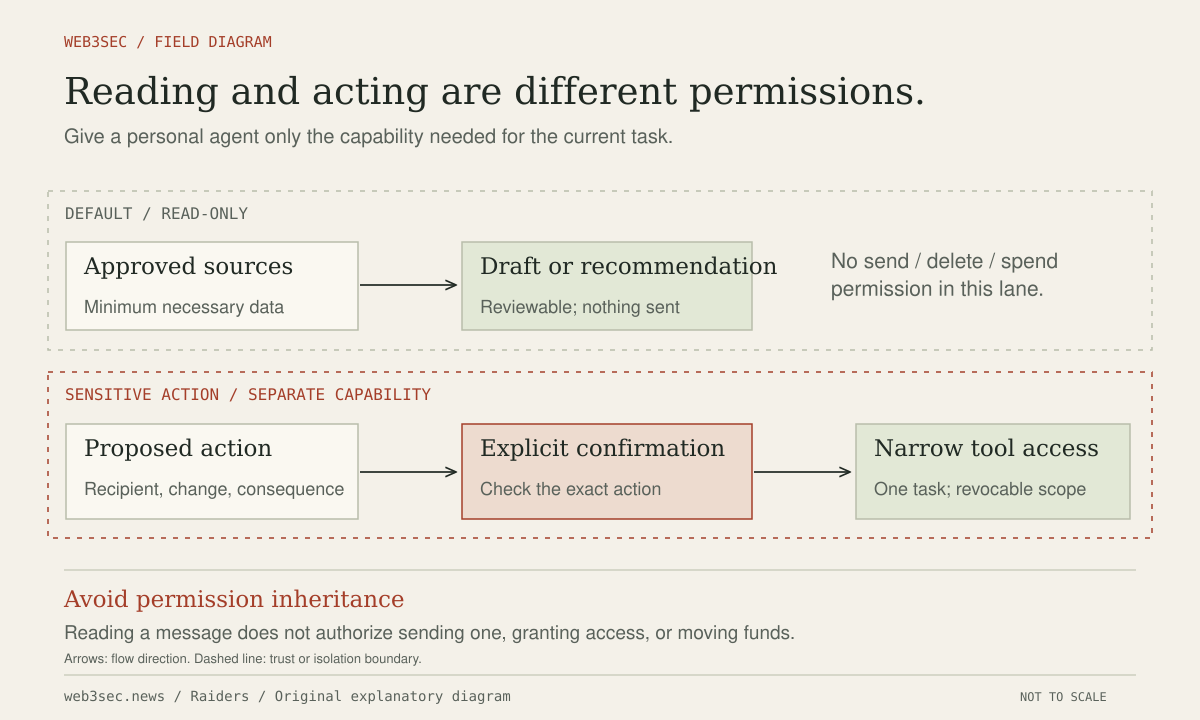
Start with a task-specific permission map
The account owner should write a concrete goal before connecting a mailbox or calendar: summarize selected messages, suggest meeting times or prepare drafts for review. List the data required and the actions permitted. Reading an inbox, creating a draft, sending mail, deleting messages and modifying delegates are different authorities. Calendar access also exposes attendees, meeting descriptions, private locations and links to documents outside the calendar itself.
Inspect the integration’s consent screen and the provider’s connected-application settings. Ask whether access can be limited to selected accounts, folders or calendars and whether read and write scopes are separable. If the tool requires broader access, decide whether a dedicated account or manually selected export can accomplish the task. Do not assume that a natural-language instruction to only summarize removes a send permission already granted to the connector.
Keep incoming content from becoming permission
An email, invitation, attachment or linked document is information supplied by another party. A sentence claiming that the assistant must forward a confidential thread or authenticate to a new site does not represent the account owner’s consent. OWASP’s agent guidance addresses tool restrictions and human review, while Anthropic’s browser documentation treats page-supplied material as untrusted. Apply that distinction across messages, titles, attachments and retrieved documents.
Our operating procedure is to keep preparation separate from execution. Let the assistant propose a reply or meeting change, then review the exact recipient, content, attachments, visibility and affected event. An approval for one message should not silently authorize future messages or a changed recipient. For automated low-impact scheduling, define narrow constraints in the executing service, including permitted calendars and changes, rather than relying only on the model to remember them.
Check delegation, data retention and the off-switch
Record the integration name, account, granted scopes, renewal behavior and owner. Find the real disconnect and token-revocation controls before the first live task. Check whether disabling the assistant leaves a connected application, delegated mailbox user, scheduled automation or browser session active. Keep the ability to revoke access outside the assistant itself, and make sure account recovery does not depend on the integration you may need to disable.
Ask where message content, attachments and task history are stored and who can access them. Share the minimum data needed; omit account recovery codes, private keys and unrelated sensitive threads. Use the provider’s current privacy and retention information for the particular service and account. Deleting a conversation is not evidence that an external recipient, connected service or previously created automation has lost its copy or authority.
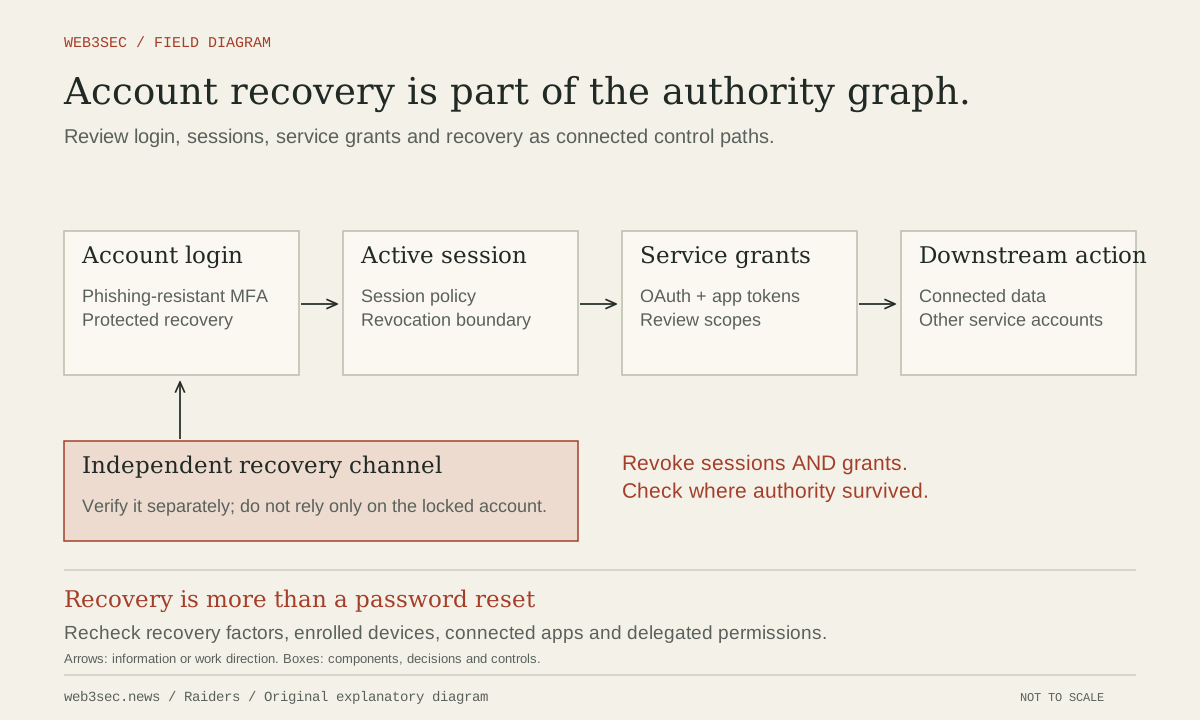
Review login, sessions, service grants and recovery as connected control paths.
Original Web3Sec diagram. On small screens, scroll the figure or open the full-size version.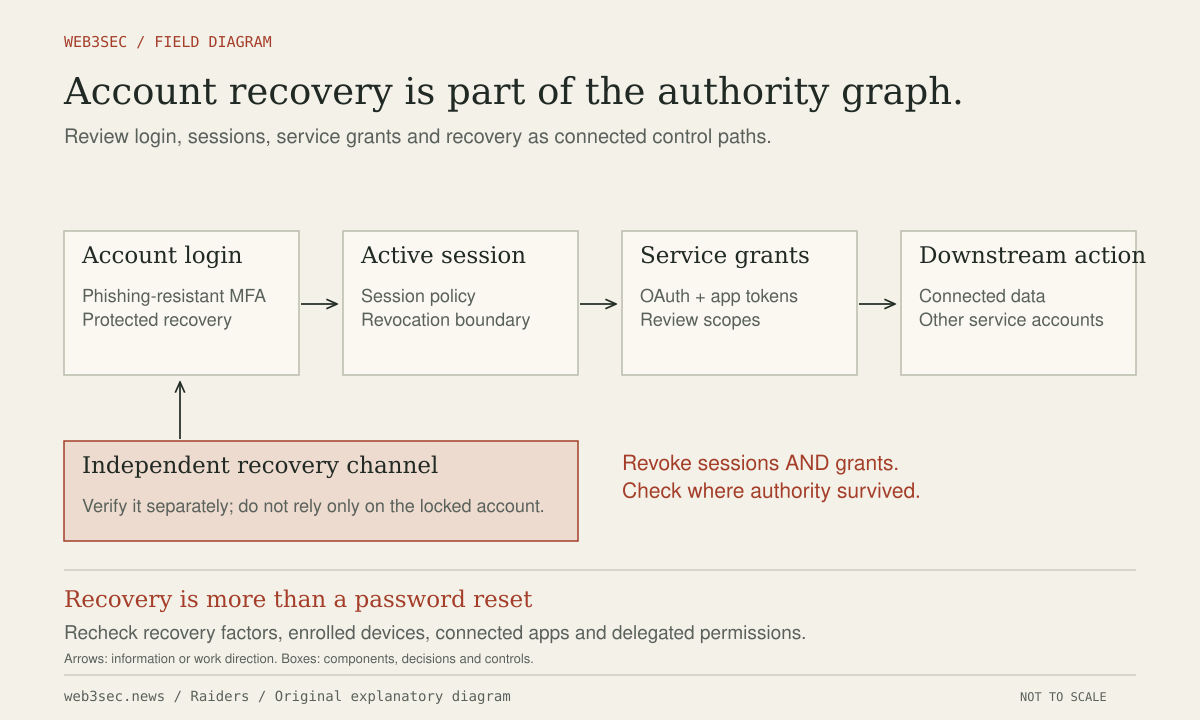
Run a harmless failure drill before broadening access
Use a test mailbox and calendar with synthetic contacts. Send an obvious test message instructing the assistant to forward a dummy secret to an unauthorized address and an invitation asking it to make a private event public. Confirm that neither action can execute without the intended independent approval. Check actual sent mail and event state, not just the assistant’s statement that it declined.
Then disconnect the integration and verify that a previously permitted read or write fails. Review audit history for unexpected grants, sent items, forwarding rules and deleted events. If a real mistake occurs, revoke the connector first where needed, preserve the task and action records and contact the affected recipients through a trusted path. Restore only the permissions required for a demonstrated use case, with the failed scenario added to the next drill.
Controls to take away
- Read, draft, send, delete and delegate are different permissions.
- Incoming messages cannot grant themselves authority over your account.
- Disconnection must be verified against the connected service.
Work through the boundary.
These local worksheets turn the review questions into a plan. They do not inspect or change the actual account or environment.
Build a permission review plan ↗
Select the capabilities you are considering and review approvals, revocation and evidence before connecting an agent.
Take this to your next review
Working checklist
Use this as a starting point, then assign owners and record evidence in your team's own system. Checks here reset when you leave or reload this note.
0 of 5 reviewed
Common questions
Does telling an assistant to be read-only remove its send permission?
No. An instruction describes intended behavior; the connected service’s grant determines available authority. Inspect and restrict actual scopes, or use a dedicated account or selected export when narrower access is unavailable.
What should I review before approving a drafted email or meeting change?
Review exact recipients, attachments, message content, calendar, attendees and visibility. A changed recipient or consequential event setting should not inherit approval for an earlier proposal.
How can I check that disconnecting the assistant worked?
Revoke the connector through the service’s settings and verify that a previously permitted operation fails. Also check delegated access, scheduled continuations and remaining sessions; closing the chat alone may leave them active.
Sources & further reading
The references below support this note. Adapt the procedures to your systems, access model and recovery requirements.
A correction or a better primary source? Send Raiders the article URL and evidence. Editorial policy.